
License key
Sniper is licensed through aescripts + aeplugins. It works with an active license or during the trial. Without one of them, the tools stay locked.
Activate your license
If you installed Sniper with the aescripts + aeplugins manager, the manager licenses it for you.
To do it inside the plugin:
Open the panel's menu (the ≡ next to the Sniper tab) and click Options.
The panel menu, next to the Sniper tab, and Options In License, click Manage…. The aescripts license window opens.
Enter your license key there. You find the key in your aescripts account.
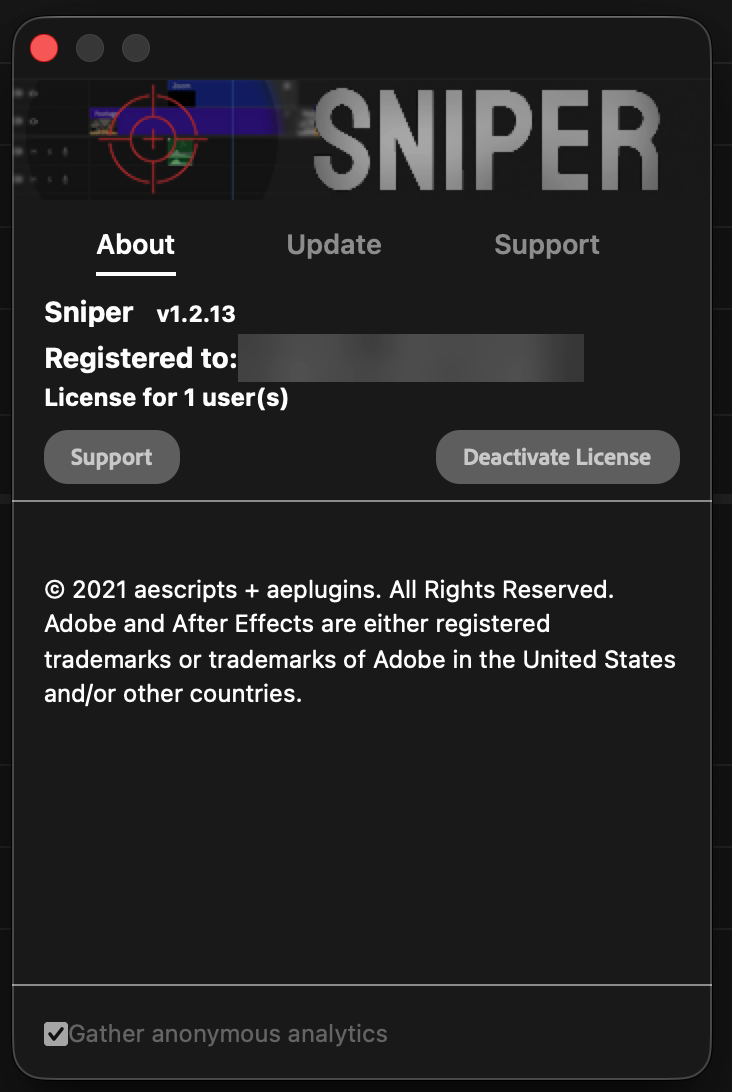
Move your license to another computer
On the computer you are leaving, click Manage… and then Deactivate License. Then activate it on the other one.