
Known issues
Some behaviors look like a Sniper error, but they come from a setting in Premiere. Here is how to fix each one.
Bullets land without their color or their name
You fire a Bullet, and the clip or the adjustment layer shows up on the timeline with the color and the name of the original item, not the ones you saved in the Bullet.
This happens when Show Source Clip Name and Label is turned on in Premiere. With this option on, every clip on the timeline shows the name and the label color of its source item, and ignores the ones Sniper applies.
How to fix
- Click the wrench icon at the top left of the timeline.
- Uncheck Show Source Clip Name and Label, the first option of the menu.
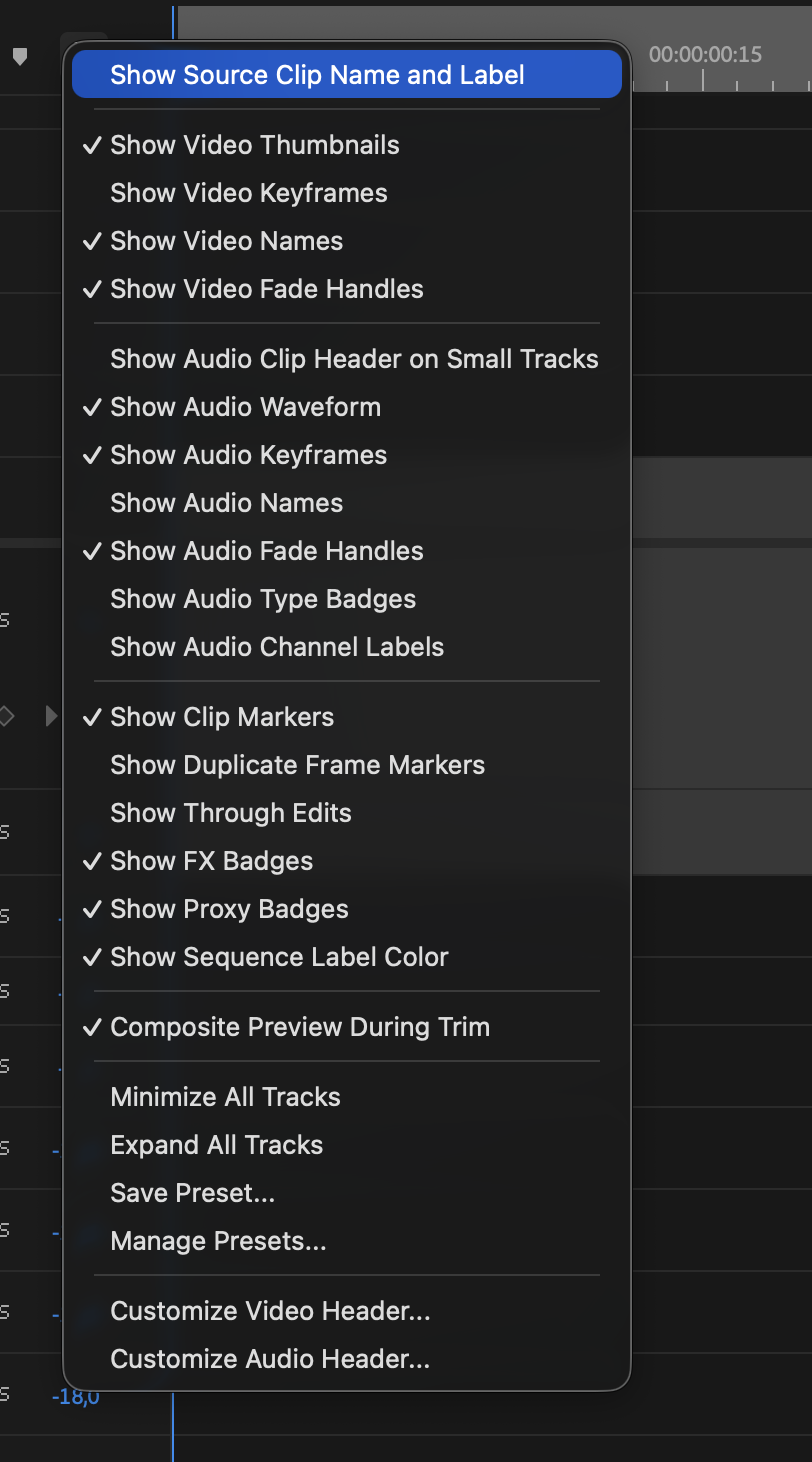
The colors and the names show up right away, including on the Bullets you already fired.